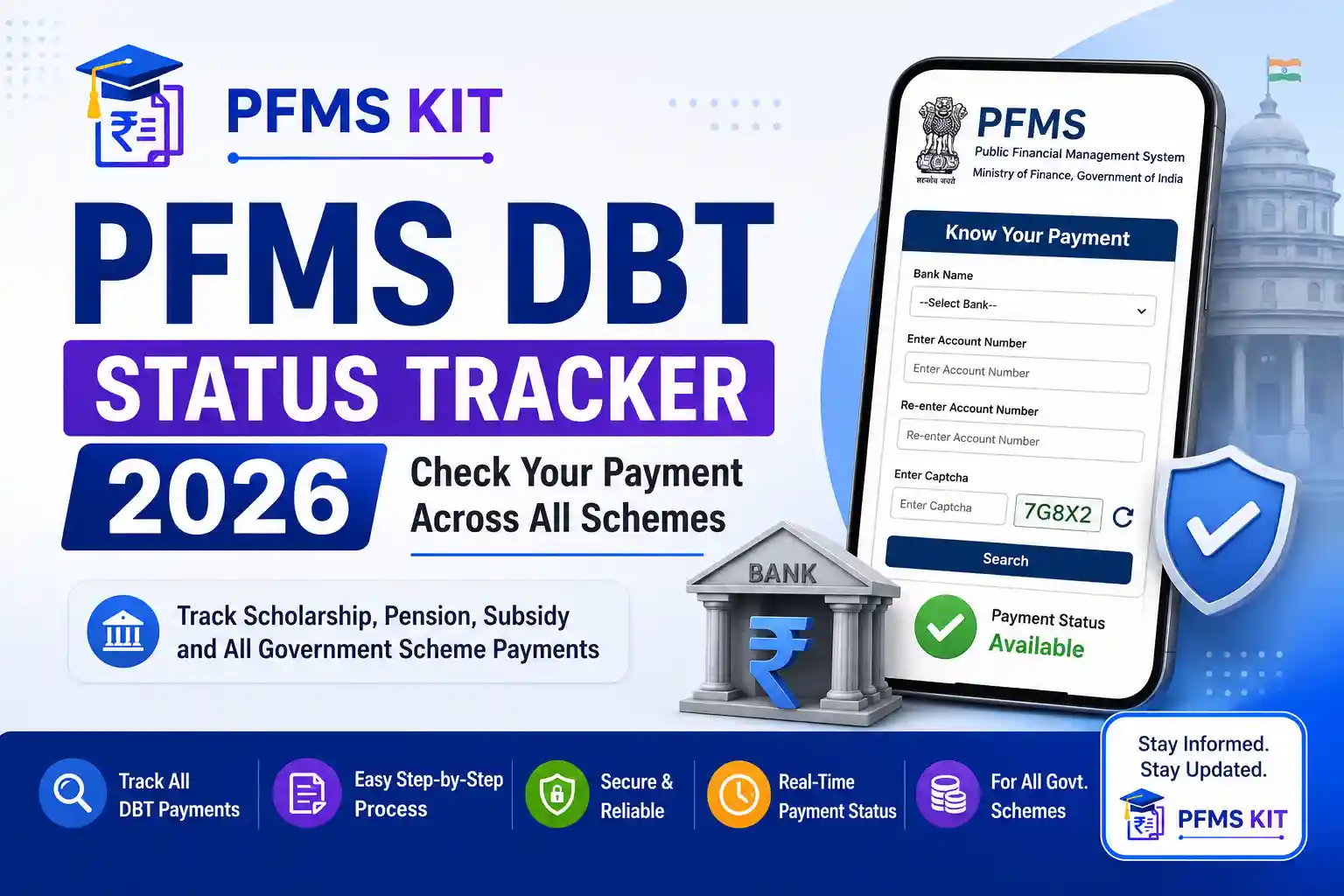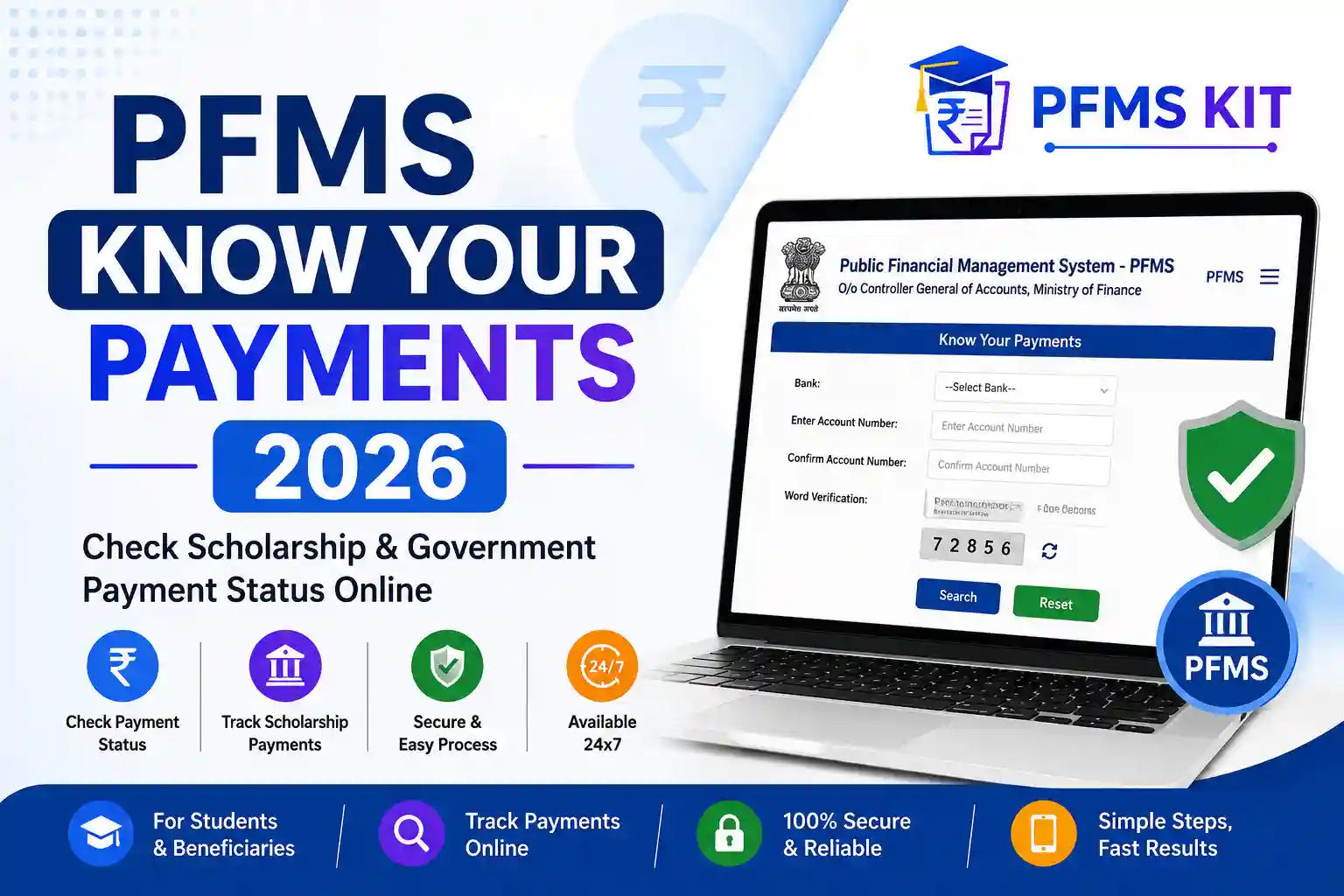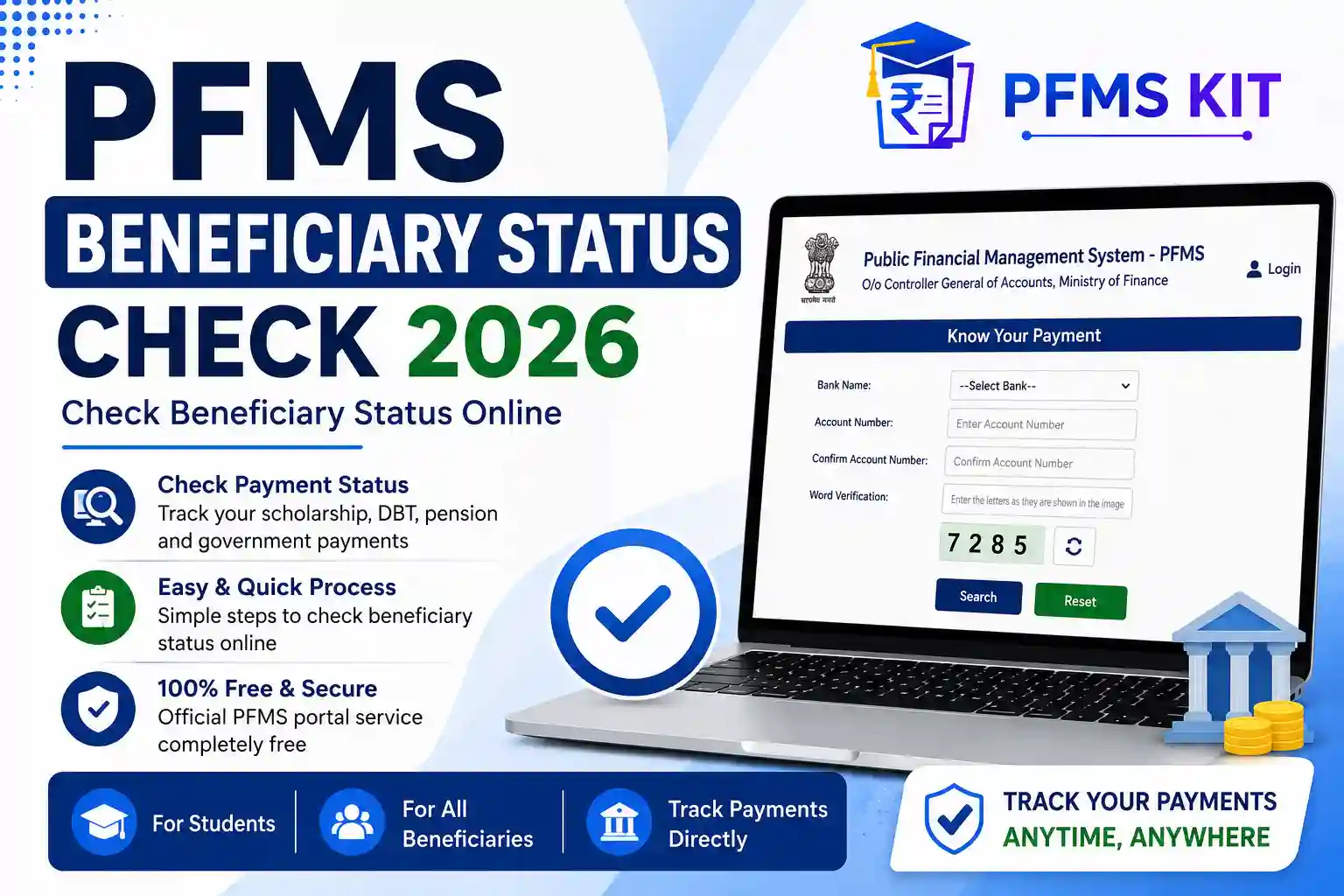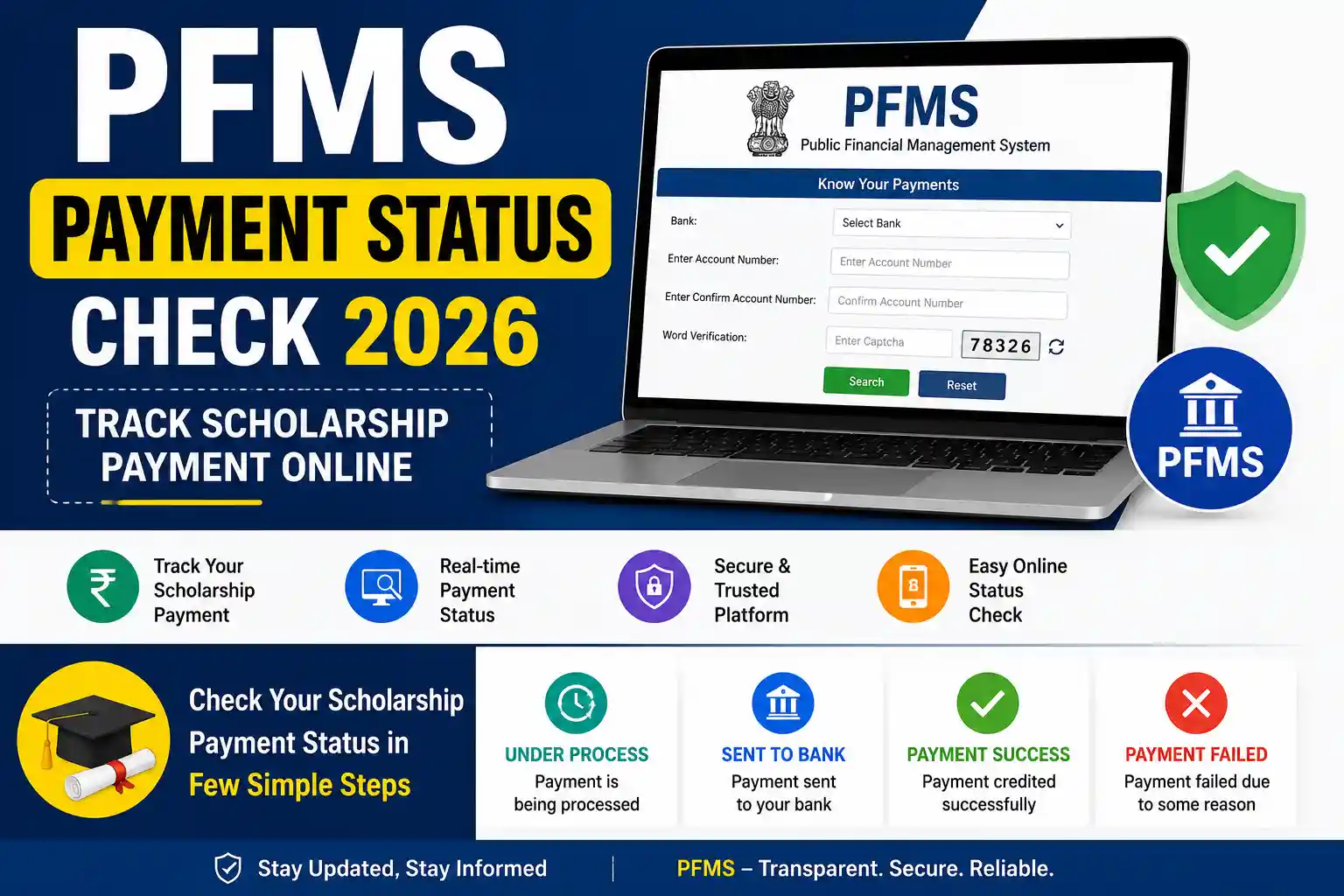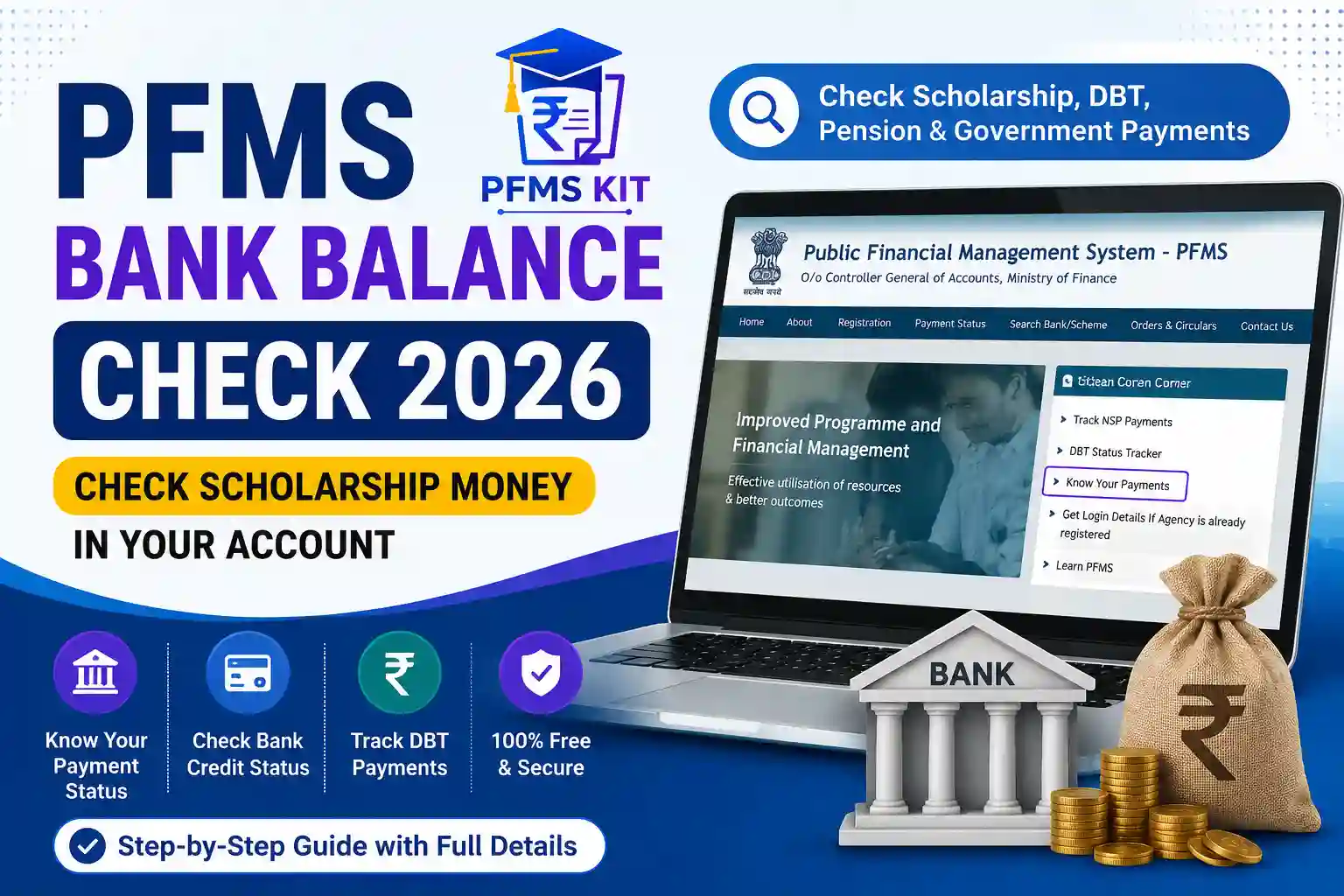
Thousands of students, pension beneficiaries, farmers, and DBT beneficiaries search every day for “PFMS Bank Balance Check 2026” after receiving a message that their payment has been processed. However, many people are confused because PFMS does not actually display your bank account balance like a banking app.
Instead, PFMS allows you to check whether the Government of India has successfully transferred money to your bank account. Once the transaction is successful, you can verify the credited amount in your bank account through your bank’s official services.
In this guide, you will learn what PFMS Bank Balance Check really means, how to verify scholarship or DBT payments, which details you need, common reasons why payments don’t appear, and what to do if your money is delayed.
What Is PFMS Bank Balance Check?
PFMS (Public Financial Management System) is an online platform developed by the Government of India to manage and monitor government fund transfers.
Many people search for PFMS Bank Balance Check, but PFMS itself does not show your complete bank balance. Instead, it shows whether a government payment has been sent to your account.
Through PFMS, you can verify payments for:
- Scholarships
- DBT Schemes
- Pension Schemes
- PM-KISAN
- Labour Welfare Schemes
- AICTE Scholarships
- NSP Scholarships
- Social Welfare Schemes
- State Government DBT Schemes
Once the payment is shown as successful, you can check the credited amount in your bank account using your bank’s mobile app, ATM, passbook, SMS alerts, or internet banking.
PFMS Bank Balance Check at a Glance
| Feature | Details |
|---|---|
| Portal Name | Public Financial Management System (PFMS) |
| Service | Government Payment Tracking |
| Year | 2026 |
| Payment Mode | Direct Benefit Transfer (DBT) |
| Official Website | pfms.nic.in |
| Login Required | No |
| Required Details | Bank Name & Account Number |
| Charges | Free |
| Available For | Scholarships, Pension, DBT & Government Schemes |
Can You Check Your Bank Balance on PFMS?
This is one of the most common questions searched on Google.
The answer is No.
PFMS cannot display:
- Current Bank Balance
- Mini Statement
- Last 10 Transactions
- ATM Balance
- Savings Account Details
PFMS only tells you whether the Government has transferred money into your account.
For example:
Suppose you applied for an NSP Scholarship.
Your scholarship gets approved.
The payment is sent through PFMS.
PFMS will show:
- Payment Amount
- Scheme Name
- Transaction Status
- Date of Transfer
But it will not show whether your account balance is ₹10,000 or ₹25,000.
Difference Between PFMS Bank Balance and PFMS Payment Status
Many users confuse these two services.
| PFMS Bank Balance | PFMS Payment Status |
|---|---|
| Not Available | Available |
| Cannot show current balance | Shows transferred amount |
| Cannot show ATM balance | Shows transaction details |
| Cannot show mini statement | Shows payment date |
| Bank service | Government payment tracking |
Important: Always use PFMS only for checking government payments. To know your actual account balance, use your bank’s official services.
Who Can Use PFMS Bank Balance Check?
Anyone receiving money from a Government scheme can use PFMS payment tracking.
This includes:
- Scholarship students
- College students
- School students
- Pension beneficiaries
- PM-KISAN beneficiaries
- Labour card holders
- AICTE scholarship students
- NSP applicants
- JKBOCW beneficiaries
- Social welfare beneficiaries
- Farmers receiving DBT
- State government scheme beneficiaries
Documents Required
Before checking your payment, keep these details ready.
| Required Information | Mandatory |
|---|---|
| Bank Name | ✔ Yes |
| Bank Account Number | ✔ Yes |
| Re-enter Account Number | ✔ Yes |
| Captcha Code | ✔ Yes |
| Internet Connection | ✔ Yes |
No login or registration is required.
Benefits of PFMS Payment Tracking
PFMS makes it easy to verify whether government funds have reached your account.
Some major benefits include:
- Completely free service
- Available 24×7
- No registration required
- Secure government platform
- Supports hundreds of government schemes
- Easy payment verification
- Quick status tracking
- Reduces unnecessary visits to government offices
Which Schemes Can Be Checked Through PFMS?
PFMS supports payments from many Central and State Government schemes.
Some popular examples include:
| Scheme | PFMS Support |
|---|---|
| NSP Scholarship | ✔ |
| AICTE Scholarship | ✔ |
| PM-KISAN | ✔ |
| Labour Scholarship | ✔ |
| Pension Schemes | ✔ |
| DBT Schemes | ✔ |
| Social Welfare Schemes | ✔ |
| State Scholarship Schemes | ✔ |
How to Check PFMS Bank Balance (Payment Status) Online
Although PFMS cannot show your actual bank balance, it lets you verify whether a government payment has been credited to your bank account.
Follow these simple steps carefully.
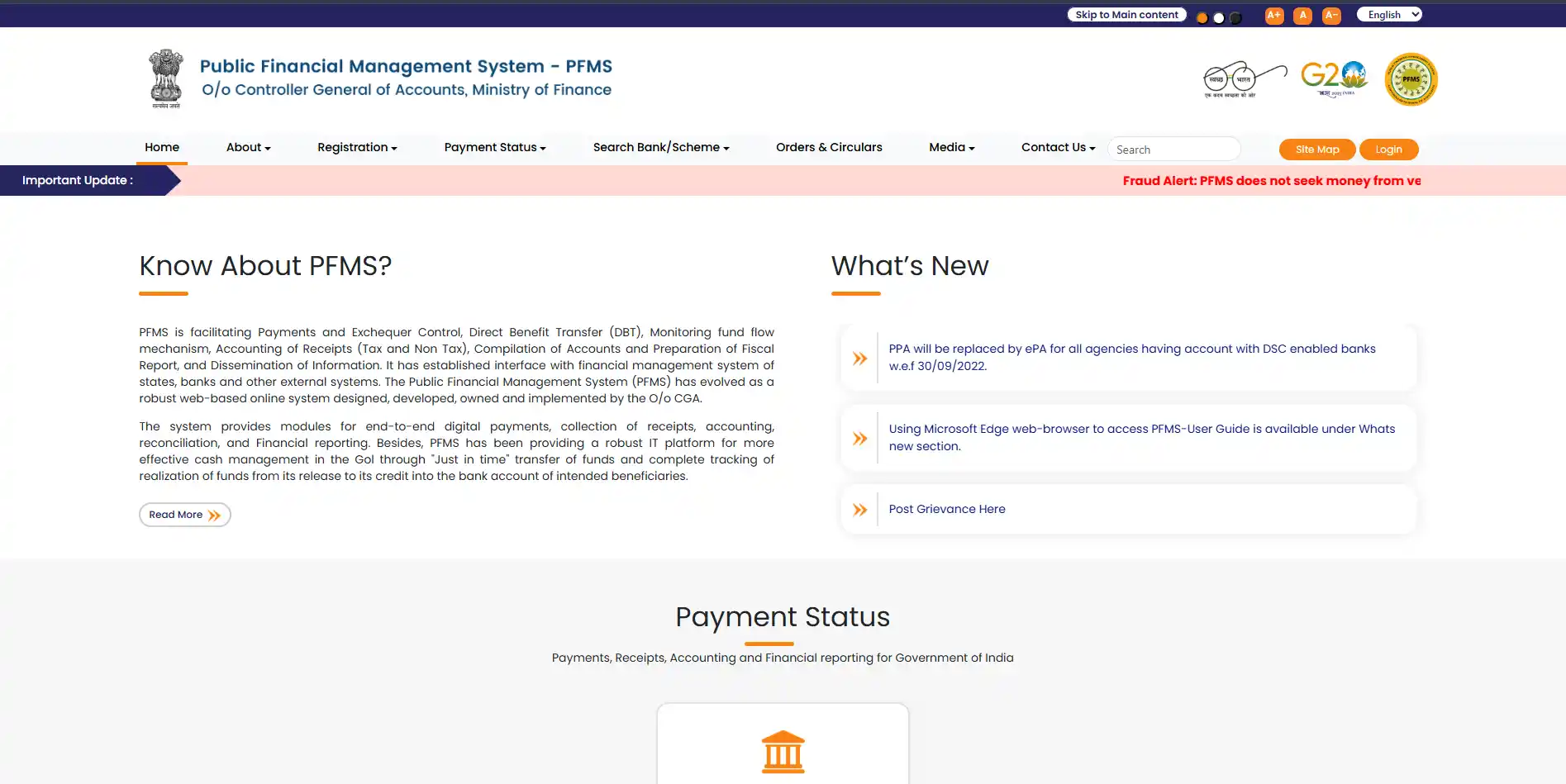
Step 1: Visit the Official PFMS Portal
Open your browser and visit the official PFMS website.
You will see various citizen services on the homepage.
Step 2: Open “Know Your Payments”
Click on Know Your Payments under the Citizen Corner section.
This tool helps beneficiaries track government payments without logging in.
Step 3: Select Your Bank
Choose your bank from the list.
Examples include:
- State Bank of India
- Punjab National Bank
- Bank of Baroda
- Canara Bank
- Union Bank of India
- Indian Bank
- Central Bank of India
- Bank of India
- UCO Bank
- Indian Overseas Bank
Always select the correct bank where you expect to receive your scholarship or DBT payment.
Step 4: Enter Your Bank Account Number
Now enter your account number.
You must enter it twice to avoid mistakes.
Incorrect account numbers are one of the biggest reasons users cannot find their payment.
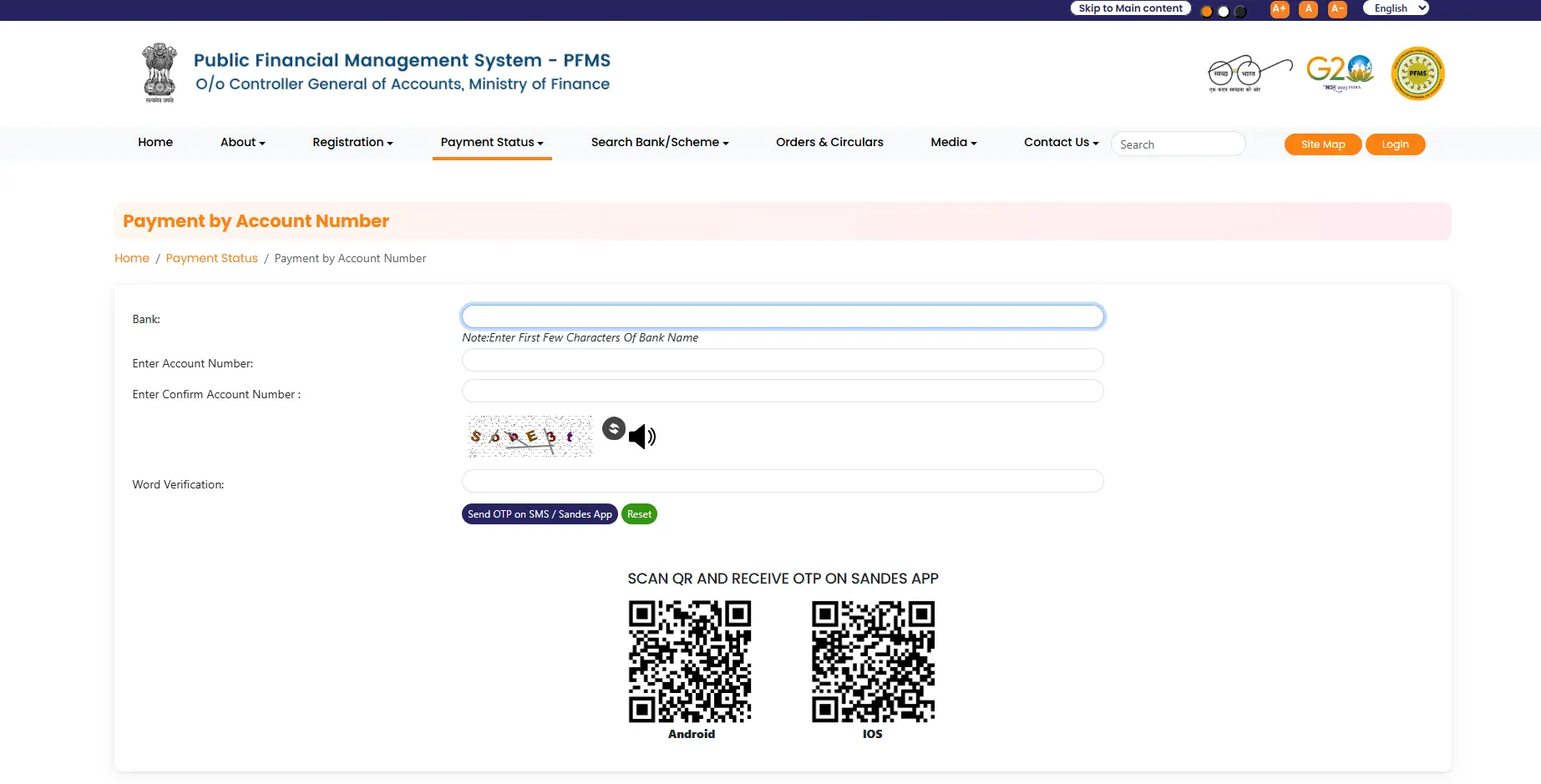
Step 5: Enter the Captcha
Type the security captcha exactly as shown on the screen.
Then click Submit.
Step 6: View Your Payment Details
If your payment exists, PFMS will display information like:
- Scheme Name
- Payment Amount
- Transaction ID
- Bank Name
- Payment Date
- Payment Status
- Agency Name
This confirms whether the Government has transferred the money.
What Information Will PFMS Show?
| Information | Available |
|---|---|
| Payment Status | ✅ Yes |
| Scheme Name | ✅ Yes |
| Amount Released | ✅ Yes |
| Transaction Date | ✅ Yes |
| Agency Name | ✅ Yes |
| Current Bank Balance | ❌ No |
| ATM Balance | ❌ No |
| Mini Statement | ❌ No |
Understanding PFMS Payment Status
Many beneficiaries panic after seeing an unfamiliar payment status.
Here is what each status means.
| Status | Meaning | Action Required |
|---|---|---|
| Success | Payment credited successfully | Check your bank account |
| Processed | Payment approved | Wait for bank update |
| Pending | Under processing | Wait a few days |
| Failed | Transfer unsuccessful | Verify bank details |
| Rejected | Application/payment rejected | Contact department |
| No Record Found | No transaction available | Recheck details |
PFMS Payment Shows Success But Money Is Not in My Bank
This is one of the most searched problems.
Possible reasons include:
1. Bank Server Delay
Sometimes PFMS updates faster than the bank.
Money may appear after 24–72 hours.
2. NPCI Mapping Delay
If your Aadhaar mapping has recently changed, the payment may take additional time.
3. Bank Holiday
Government transfers may be delayed because of bank holidays.
4. Technical Issues
Temporary banking server maintenance may delay reflection of the amount.
5. Incorrect Bank Account
If the account number entered during application was incorrect, payment may fail.
Why Does PFMS Show “No Record Found”?
This message does not always mean your payment has failed.
Possible reasons include:
- Wrong bank selected
- Incorrect account number
- Payment not released yet
- Application still under verification
- Technical delay
- Scheme not processed through PFMS
- Wrong financial year
Common Reasons for Payment Delay
| Reason | Solution |
|---|---|
| Aadhaar not linked | Visit bank for Aadhaar seeding |
| Wrong account number | Contact scheme authority |
| NPCI mapping issue | Ask bank to update NPCI |
| Name mismatch | Correct records |
| Application pending | Wait for approval |
| Bank account inactive | Activate account |
| Bank merger issue | Confirm account details |
| Server maintenance | Try again later |
How to Check Whether Money Has Actually Been Credited
Once PFMS shows Success, verify your account using any of these methods.
Method 1
Check your bank’s mobile app.
Method 2
Use Internet Banking.
Method 3
Visit the nearest ATM.
Method 4
Update your passbook.
Method 5
Check SMS alerts registered with your bank.
Method 6
Contact your bank branch.
Which Government Schemes Use PFMS?
PFMS processes payments for hundreds of schemes.
Popular schemes include:
| Scheme | Payment Through PFMS |
|---|---|
| National Scholarship Portal (NSP) | ✅ |
| AICTE Scholarship | ✅ |
| PM-KISAN | ✅ |
| PMSS Scholarship | ✅ |
| JKBOCW Labour Scholarship | ✅ |
| Labour Welfare Schemes | ✅ |
| Social Welfare Pension | ✅ |
| State Scholarship Schemes | ✅ |
| DBT Schemes | ✅ |
PFMS vs Bank App
Many users think PFMS works like a banking application.
It doesn’t.
| PFMS | Bank App |
|---|---|
| Government payment tracking | Bank balance |
| Shows scholarship payment | Shows account balance |
| Shows DBT transactions | Shows all transactions |
| No login required | Login required |
| Government portal | Banking service |
Tips for Faster Payment Verification
- Always use the correct bank account.
- Keep Aadhaar linked with your bank account.
- Ensure NPCI mapping is active.
- Enter your account number carefully.
- Use the official PFMS portal only.
- Check after receiving an approval SMS.
- Wait at least 24–48 hours after payment approval.
Frequently Asked Questions (FAQs)
Below are some of the most frequently asked questions about PFMS Bank Balance Check 2026.
Can I check my bank balance through PFMS?
No. PFMS does not display your current bank balance. It only helps beneficiaries verify whether a government payment such as a scholarship, pension, subsidy, or DBT amount has been transferred to their registered bank account.
Is PFMS Bank Balance Check free?
Yes. PFMS is a completely free service provided by the Government of India. Anyone receiving payments through government schemes can use it without paying any charges.
Why does PFMS show “No Record Found”?
This usually happens because:
- Payment has not been released yet.
- Wrong bank account number was entered.
- Incorrect bank was selected.
- Application is still under verification.
- Technical server delay.
Always double-check your details before searching again.
My PFMS payment shows “Success” but money is not received. What should I do?
If PFMS shows a successful payment but the money is not visible in your bank account, wait for 24 to 72 hours. Sometimes banks take additional time to update transactions.
If the payment is still missing after several days:
- Check your bank passbook.
- Contact your bank branch.
- Contact the concerned scholarship or scheme authority.
Can I check NSP Scholarship payment through PFMS?
Yes.
If your scholarship payment is processed through PFMS, you can verify the transaction using the Know Your Payments service.
Which Government Schemes use PFMS?
PFMS supports payments under various schemes including:
- National Scholarship Portal (NSP)
- PM-KISAN
- AICTE Scholarships
- Labour Welfare Schemes
- Pension Schemes
- Social Welfare Schemes
- State Scholarship Schemes
- Direct Benefit Transfer (DBT) Schemes
Can I check PFMS payment using Aadhaar Number?
No.
The PFMS payment tracking service generally requires your registered bank account number.
However, your Aadhaar should be linked with your bank account to receive DBT payments successfully.
Is PFMS available 24×7?
Yes.
The PFMS portal is generally available throughout the day. Occasionally, maintenance or server updates may temporarily affect access.
Common Myths About PFMS Bank Balance Check
Many users misunderstand the purpose of PFMS.
The table below explains the most common myths.
| Myth | Reality |
|---|---|
| PFMS shows bank balance | ❌ No |
| PFMS works like a banking app | ❌ No |
| PFMS transfers money directly | ❌ Government departments release payments through PFMS |
| PFMS supports only scholarships | ❌ It supports many DBT schemes |
| Registration is compulsory | ❌ No registration is required |
Expert Tips for Faster Payment Verification
To avoid payment delays, always follow these recommendations.
- Keep your bank account active.
- Link Aadhaar with your bank account.
- Complete NPCI mapping.
- Enter the correct account number.
- Check payment only after approval.
- Always use the official PFMS portal.
- Save your application details for future reference.
These simple steps can help beneficiaries avoid common payment-related problems.
Related PFMS Guides
If you found this article helpful, you may also like these detailed guides available on PFMS KIT.
- PFMS Beneficiary Status Check 2026
- PFMS Payment Status Check 2026
- PFMS Know Your Payments 2026
- PFMS DBT Status Tracker 2026
- National Scholarship Portal (NSP) 2026
- JKBOCW Scholarship Amount 2026
Conclusion
Many beneficiaries search for PFMS Bank Balance Check 2026 expecting to view their actual bank balance. However, PFMS is designed to help users verify government payments rather than provide banking services.
Using the PFMS portal, students and beneficiaries can easily check whether scholarships, pensions, DBT benefits, or other government payments have been transferred successfully. Once the payment status is marked as successful, users should verify the credited amount through their bank’s mobile application, ATM, passbook, SMS alerts, or internet banking services.
Always use the official PFMS website and keep your bank details updated to ensure smooth and timely payment processing.